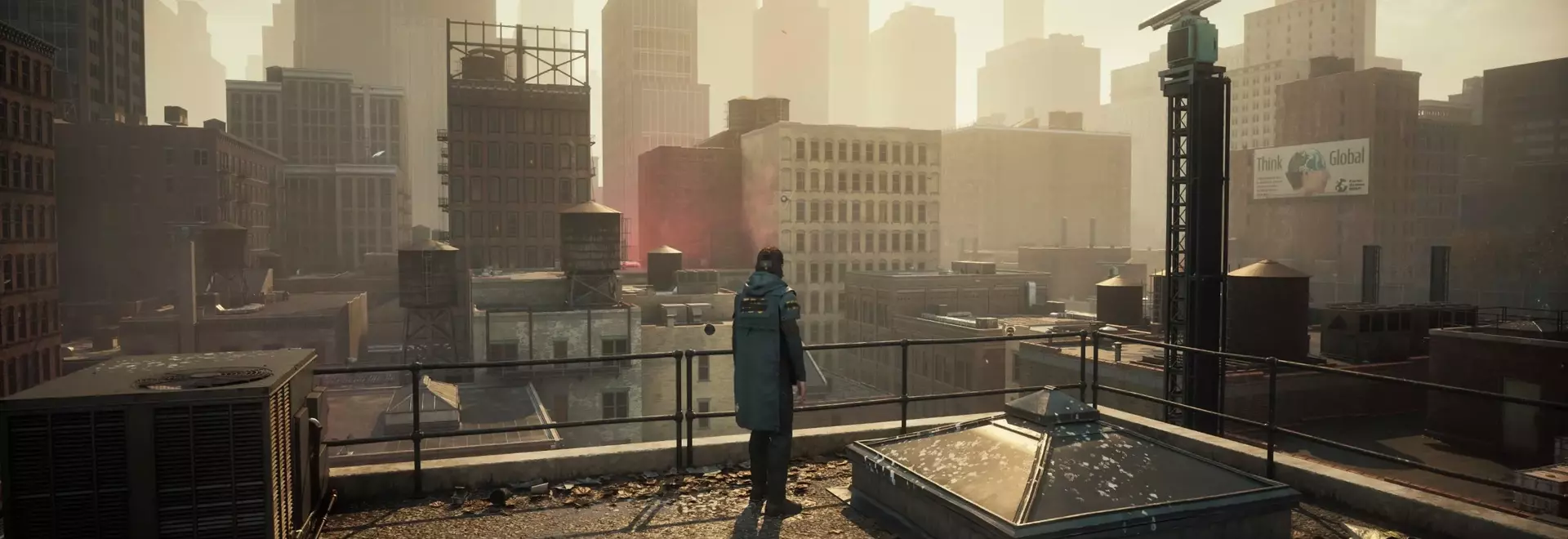
Optimizing Control Resonant's Graphics: Finding the Sweet Spot Between Visuals and Performance
Unlock the Ultimate Visual Experience: Master Control Resonant's Graphics Settings!
Hardware Capabilities and Initial Impressions
My personal computer, equipped with an RTX 5070 Ti graphics card, an AMD Ryzen 7 7700X processor, and 32 GB of DDR5 RAM, offers a robust, though not top-tier, gaming foundation. When running Control Resonant at 1440p resolution, the game consistently delivers smooth performance across most settings, demonstrating admirable frame rates even without frame generation. This initial observation suggests that the game is well-optimized to leverage diverse hardware capabilities.
The Impact of Ray Tracing on Performance
Engaging the Ultra presets in Control Resonant demands significant graphical horsepower, especially with its implementation of full path tracing. While the visual enhancements are noticeable at the highest settings, the performance cost is substantial. My findings indicate that reducing ray tracing levels offers a more balanced experience. The visual difference between Ultra and High ray tracing is minimal during actual gameplay, yet the performance gain from stepping down is considerable. Similarly, the jump from High to Medium ray tracing results in only a slight visual compromise for a noticeable boost in frame rates. Disabling ray tracing entirely, however, yields the most significant performance improvement, adding approximately 21 frames per second to the average.
Visual Fidelity Across Ray Tracing Settings
Control Resonant's environments, characterized by deep shadows, reflective surfaces, and shiny architecture, greatly benefit from ray tracing. While Ultra ray tracing showcases subtle improvements in lighting on surfaces like parking lot ceilings, these nuances are often imperceptible during active gameplay. The High ray tracing setting strikes an excellent balance, offering realistic reflections in wet streets and sharply defined shadows, making it a compelling choice for visual enthusiasts. Even the Medium setting maintains a strong aesthetic, though shadows may appear less distinct. The Low setting, while showing some blurriness in details like restaurant signage, remarkably preserves overall scene complexity and visual appeal, proving that the game looks impressive even at reduced quality.
General Graphics Presets and Performance Synergy
Beyond ray tracing, the game offers a comprehensive suite of general graphics presets. My tests reveal that once ray tracing is configured, adjusting these general presets provides less dramatic performance changes. Ultra settings impose the heaviest load, while High and Medium settings deliver almost identical frame rates, suggesting a sweet spot for performance efficiency. The difference in average frame rates between Low and Ultra general settings is approximately 15 frames per second, indicating that significant visual detail is retained even at lower non-ray tracing settings.
Optimal Settings for Balanced Gameplay
For an ideal blend of visual fidelity and smooth performance, setting both the general graphics and ray tracing presets to High, coupled with a quality upscaling solution like DLSS or FSR, appears to be the sweet spot. This configuration provides a fluid, visually rich experience without overstraining hardware. The game's dynamic environments, which react vividly to player actions, maintain their immersive quality even at these settings. Control Resonant is remarkably optimized; even without frame generation, it delivers stable frame rates with ray tracing enabled. The game's inherent artistic design ensures that even the lowest settings retain a significant amount of detail and visual interest, making it accessible and enjoyable for a wide range of PC setups.
Accessibility for Diverse Hardware Configurations
Recognizing that not all gamers possess high-end systems, it's reassuring that Control Resonant maintains its visual integrity even at the lowest settings. A screenshot taken with all settings at Low and ray tracing disabled demonstrates that the game remains far from unsightly. While details like restaurant signage might appear slightly blurred, the overall scene composition and environmental richness are largely preserved. Remedy's stated minimum requirement of a GTX 1070 for 1080p/30 fps at Low settings underscores the game's scalability. The distinctive art style plays a crucial role here, ensuring that fundamental visual elements and the game's reactive environment remain engaging regardless of graphical intensity. Therefore, players should feel no pressure to max out settings if it compromises a smooth and enjoyable experience, as beauty and performance can be found even in the lower presets.